How to Verify Email & Change Password
This applies to League of Legends & Valorant accounts.
⚠️ Important
To avoid getting locked out of the account, always verify the e-mail before changing the password.
If the procedure doesn’t work, please try it on a different device or browser.
Changing email
First, go to:
https://account.riotgames.com
If you are already logged in, open the link in incognito mode, different browser or log out from the other account.
If Riot asks for a verification code
In some cases, Riot may show an extra security check when you open the account settings page. If that happens, use the Get email code button on the order page (or in your user dashboard). After a brief delay, it will provide you with the code you need.

After logging in, you will be redirected to the settings page. Scroll down to the email field and click it.
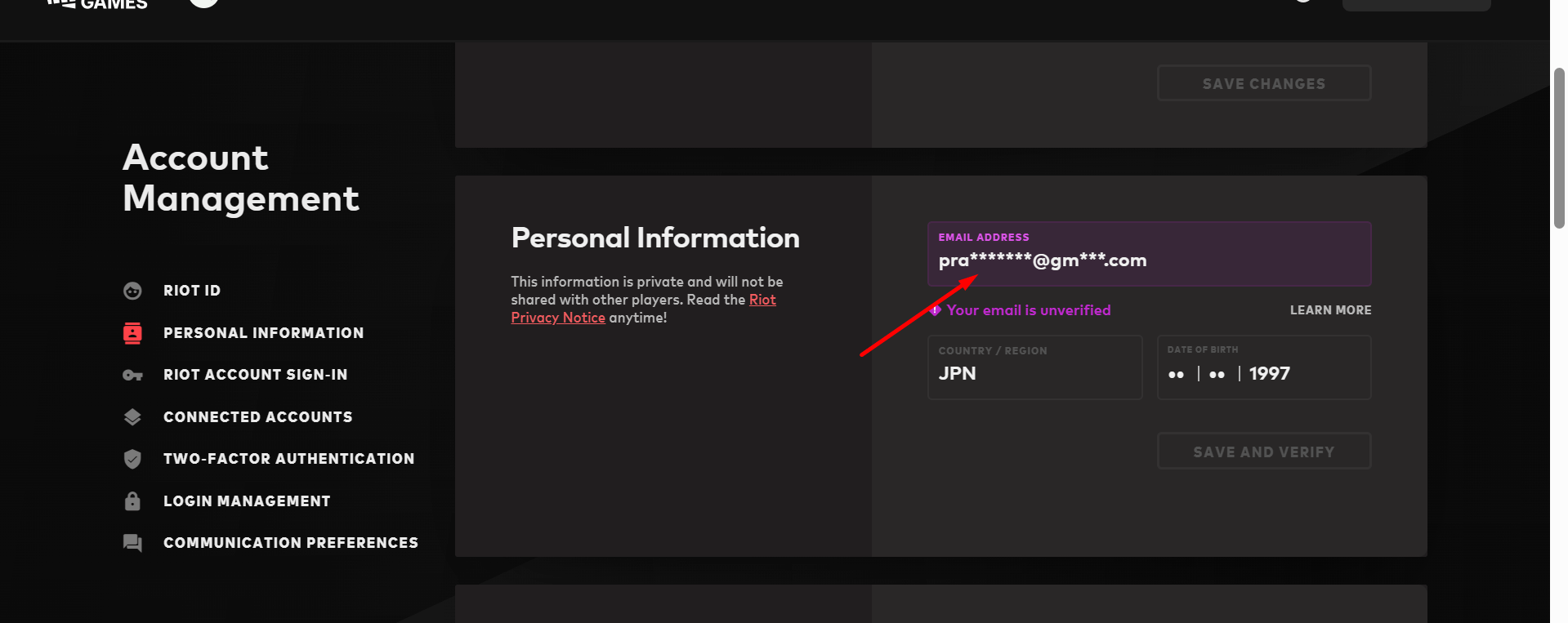
After clicking it, type down your own email and click the save and verify button.
TIP: You can verify multiple accounts to a single email. You don’t need to create a different one each time.

An email will be sent to your mailbox. Click the confirmation link in it to finish the process.
Changing password
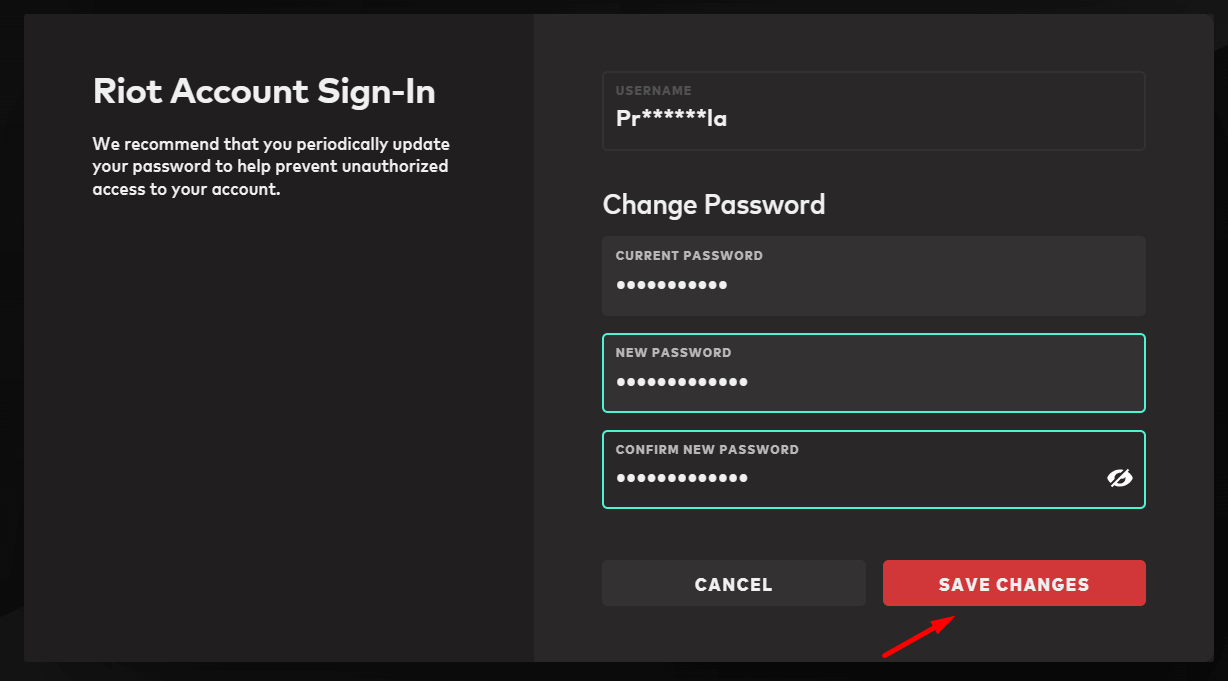
Go to the settings page and scroll down to the password section.

Paste the old password to the first field and type down your new one in the next two ones.
Click save changes.