How to Unlock the Ordered Skin
First, go to the Loot tab.

There, you will see your skin shard among other ones.
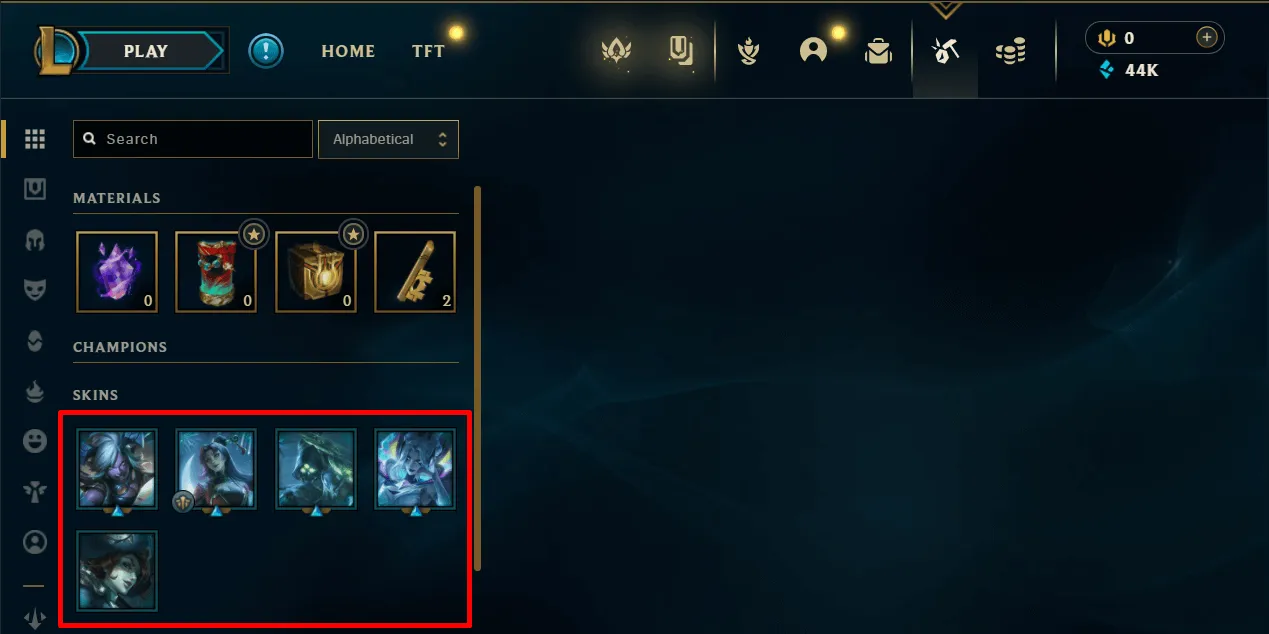
If the skin isn't there, make sure to check the regular skins page as well. If it's nowhere to be found, contact us through the form at the very bottom.
To unlock the skin, click it and then use the Upgrade to Skin Permanent button.
Note: You will likely need to disenchant other shards into essence first, so that you have enough to claim the skin.
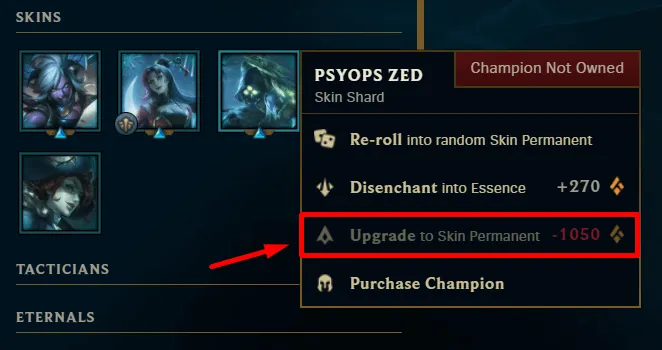
Rarely the account might not have enough essence to unlock the shard right away. You are warned of this prior to purchasing an account.
Was this helpful?
Still need help? Ask the team